OpenClaw(龙虾)
OpenClaw(龙虾)
20260322
Basic operations
- 启动,
openclaw gateway - 设置,
openclaw onboard - 重启,
openclaw gateway restart - TUI,
openclaw tui - 切换session,
/session agent:coder:main - 飞书
- Mine, link
openclaw models auth login --provider openai-codex,重认证
Agents
1
2
# Add new agent
openclaw agents add coder --workspace ~/.openclaw/workspace-coder
Modify /Users/xx/.openclaw/openclaw.json
1
2
3
4
5
6
7
8
9
10
11
12
13
14
15
16
17
18
19
20
  "agents": {
    "defaults": { ... },
    "list": [
      {
        "id": "main"
      },
      {
        "id": "coder",
        "name": "coder",
        "workspace": "/Users/xx/.openclaw/workspace-coder",
        "agentDir": "/Users/xx/.openclaw/agents/coder/agent",
        "sandbox": {
          "mode": "off"
        },
        "tools": {
          "profile": "full"
        }
      }
    ]
  },
Then start in Terminal:
1
2
openclaw tui
/session agent:coder:main
20260321
openclaw如何清理context
1
2
3
4
5
6
7
/status
/context list
/context detail
/compact

/reset - 清空上下文继续聊
/new <model> - 清空上下文并切到别的模型
官方网站,链接
建议用苹果电脑,效果最佳
安装:
- 后台,
curl -fsSL https://openclaw.ai/install.sh | bash- LLM:推荐 openai 的 codex(效果最佳),其次是 google 的 antiagrivity(现在被削了)
- 通道:国内,用苹果 iMessage(什么都不用设置);国外,whatsapp 和 telegram 随意了
- 注意:默认长期记忆没打开,有时候会话会丢,可参考,《解决 openclaw(龙虾)长期记忆问题》
- 前台,链接
- 下载类似这种文件来安装
OpenClaw-2026.2.6.dmg - 前台安装后,在 OpenClaw 面板(屏幕最上方),右键,settings…,Permissions –> 开启所有权限
- 下载类似这种文件来安装
常用命令:
1
2
3
4
5
6
7
8
# 状态查看
openclaw status

# 启动 gateway
openclaw gateway start

# 关闭 gateway
openclaw gateway stop
我的场景:
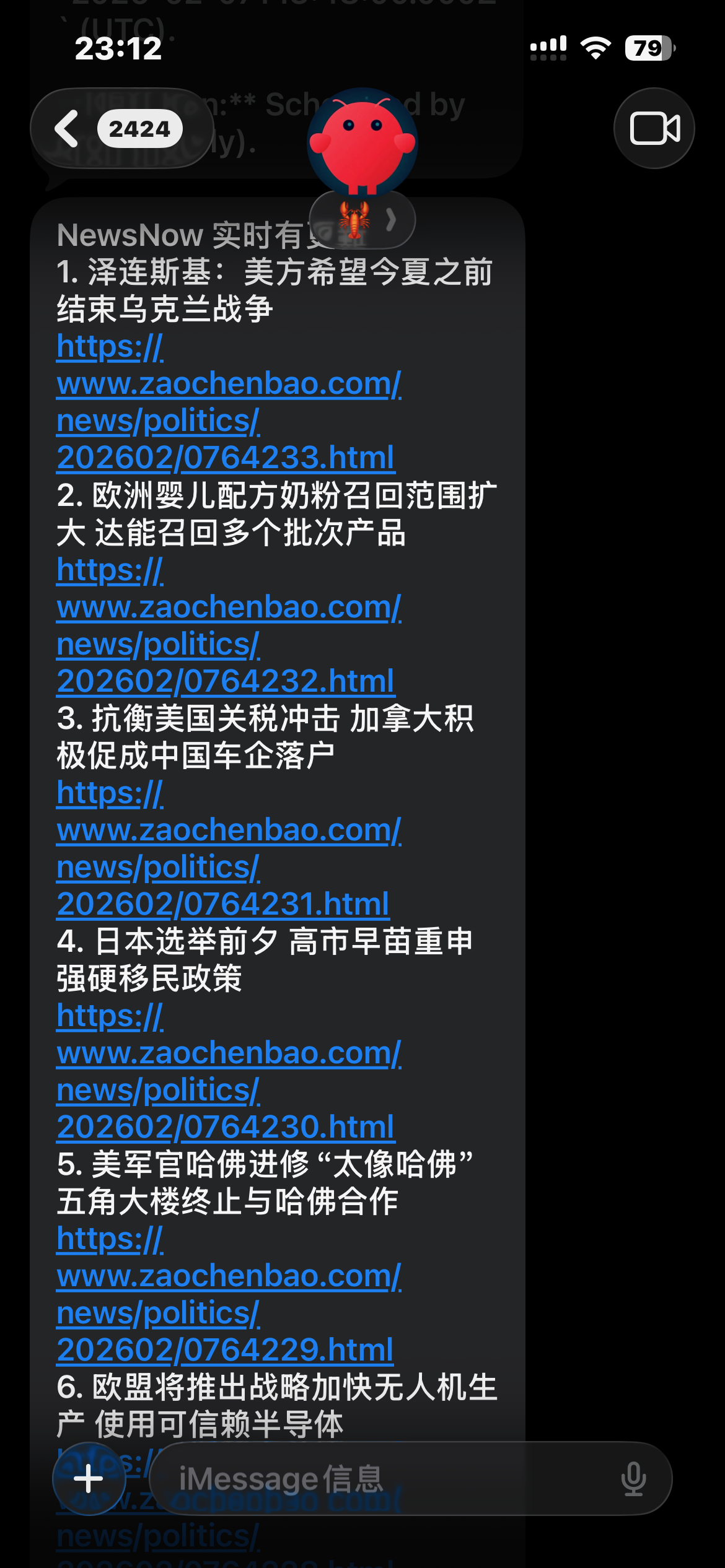
- 每小时,发送NewsNow的新增新闻
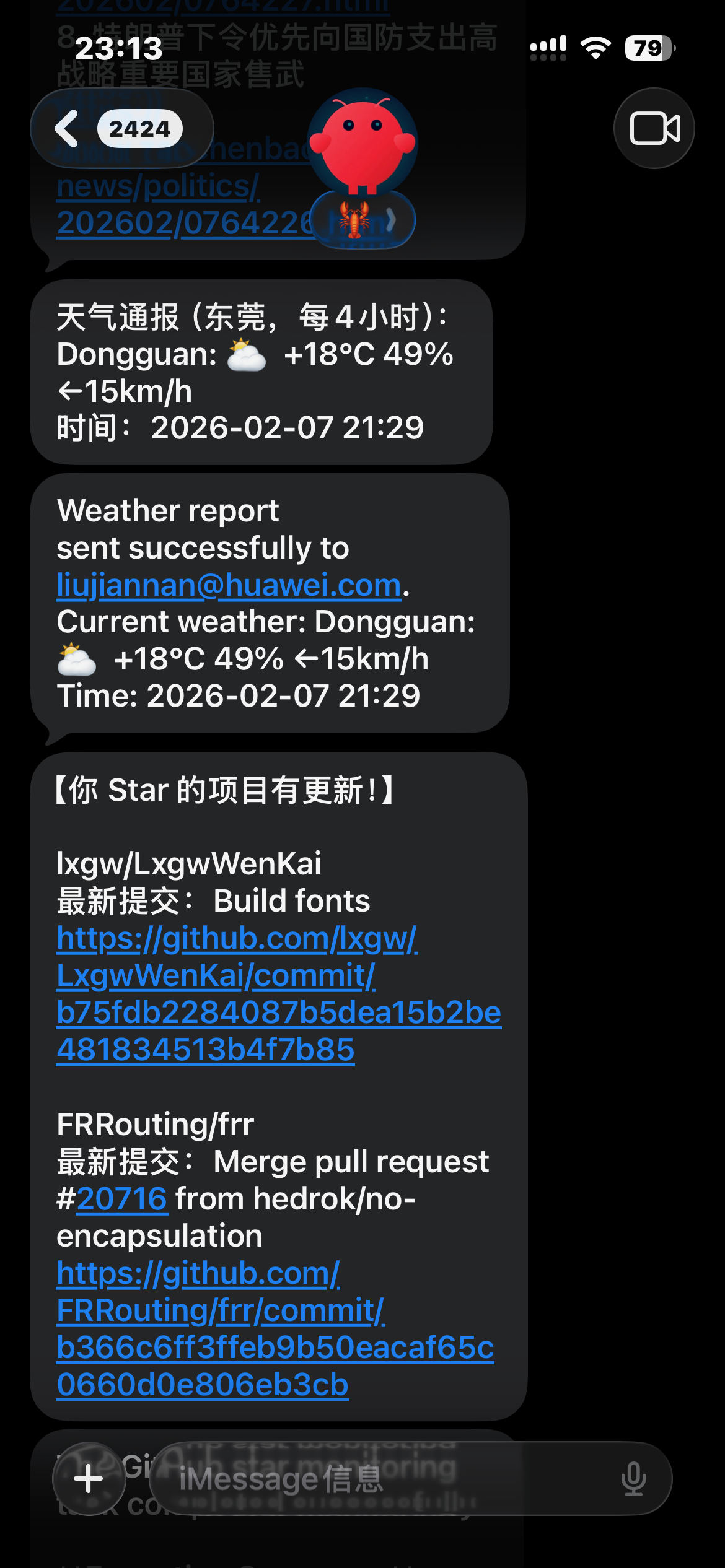
- 每4小时,发送东莞天气
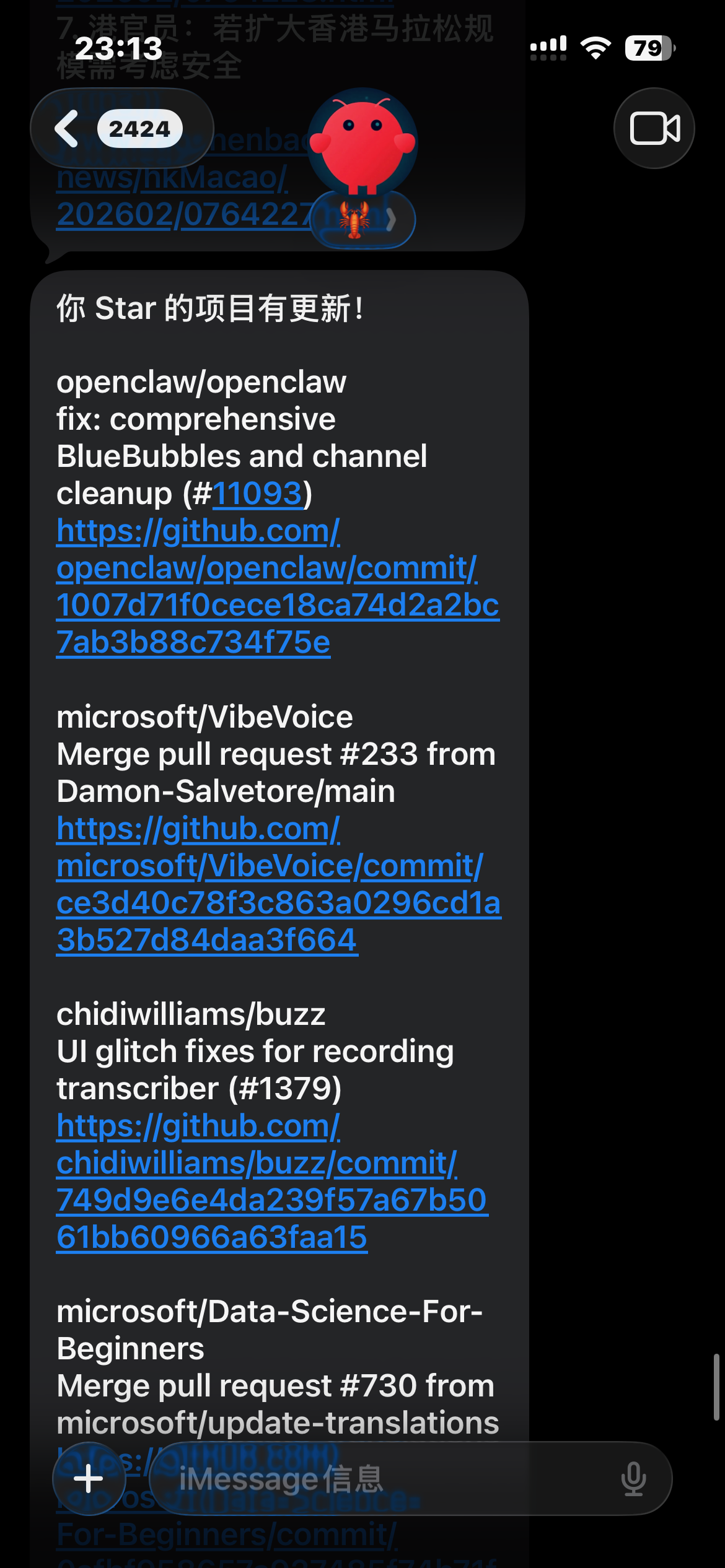
- 每小时,扫描我的github star,如果有更新,发送
- 下载cisco live全量pdf
- 下载全量 rfc 的 pdf
- 手机闲聊(手机不用翻墙)
- obsidian,notion做笔记,things3做待办
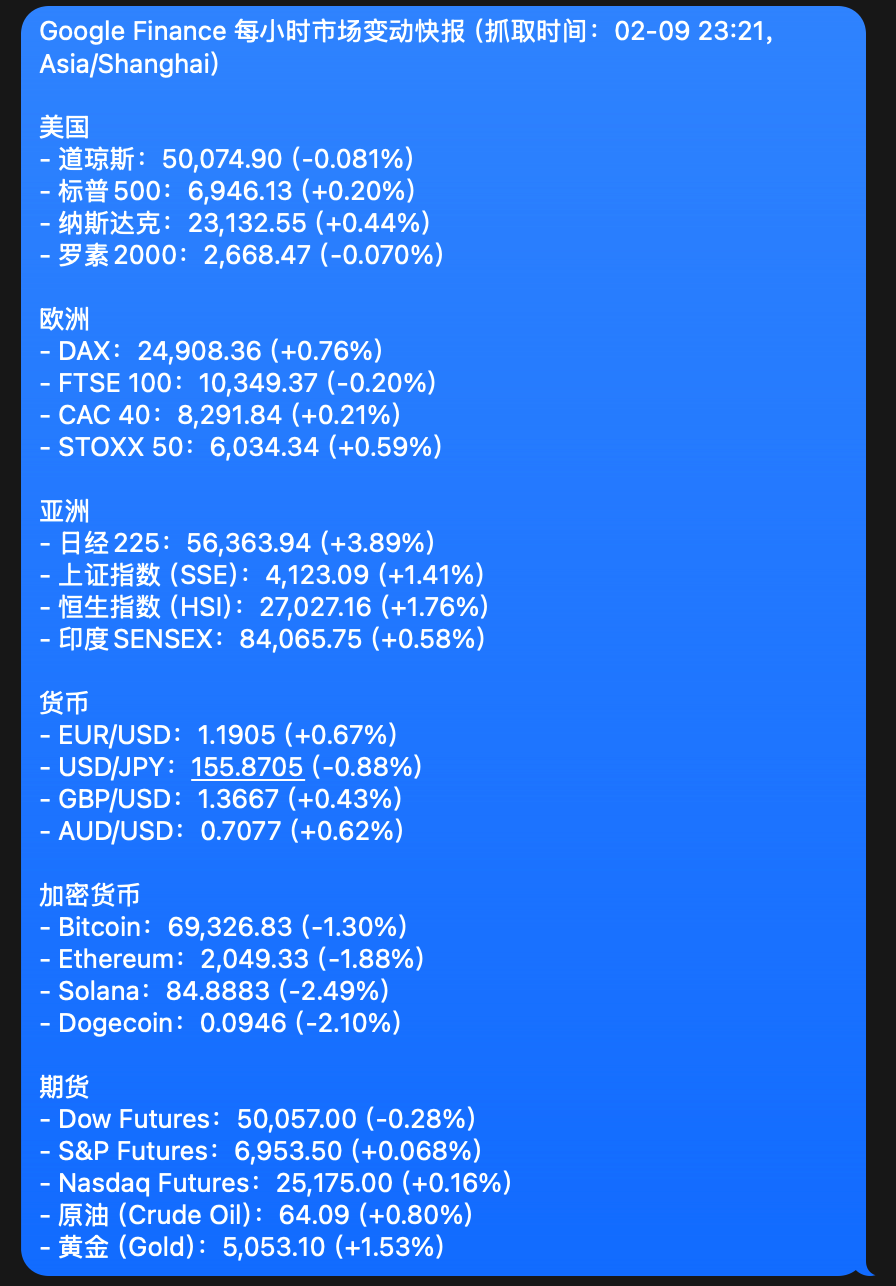
- 每小时:核心财经数据发送
- ……
This post is licensed under CC BY 4.0 by the author.